The best AI coding tools for software developers in 2025 are transforming how modern applications are built. These tools help developers write better code, fix bugs faster, and collaborate more efficiently. This article is designed for software engineers, startups, and teams looking to improve their development workflow.
Whether you are a solo developer, part of an in-house team, or working with a remote outsourcing team, choosing the right AI coding tools can significantly impact your workflow and results.
In this guide, we break down the best AI coding tools for software developers in 2025, focusing on real-world usage, benefits, and limitations.
How We Selected the Best AI Coding Tools
To create this list, we evaluated tools based on:
- Code quality and accuracy
- Language and framework support
- Ease of integration with IDEs
- Real developer use cases
- Pricing flexibility (free vs paid)
GitHub Copilot
GitHub Copilot is an AI-powered coding assistant developed by GitHub and OpenAI. It works directly inside popular IDEs like VS Code, JetBrains, and Neovim, offering real-time code suggestions as you type.
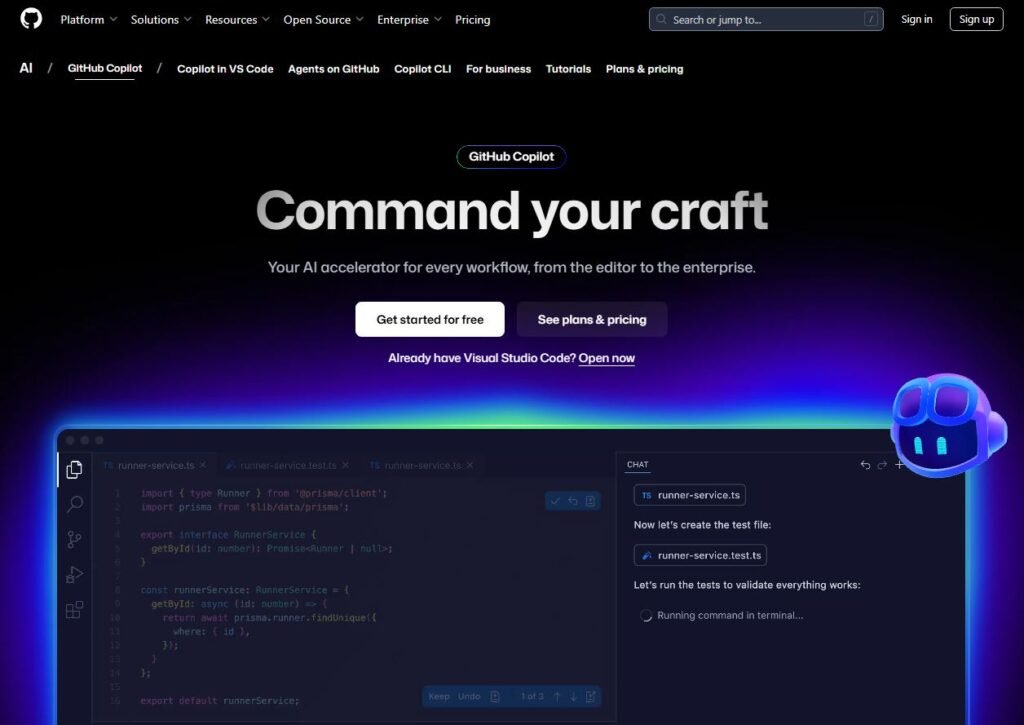
Uses of GitHub Copilot:
- Autocomplete entire functions
- Generate boilerplate code
- Suggest unit tests
- Speed up repetitive coding tasks
Pros of GitHub Copilot:
- Excellent code accuracy
- Supports many programming languages
- Deep IDE integration
- Saves significant development time
Cons of GitHub Copilot:
- Paid subscription required
- Suggestions may require manual review
- Not ideal for beginners without coding fundamentals
ChatGPT (for Developers)
ChatGPT is a conversational AI tool widely used by developers for coding assistance, debugging, architecture discussions, and explaining complex code logic in simple terms.
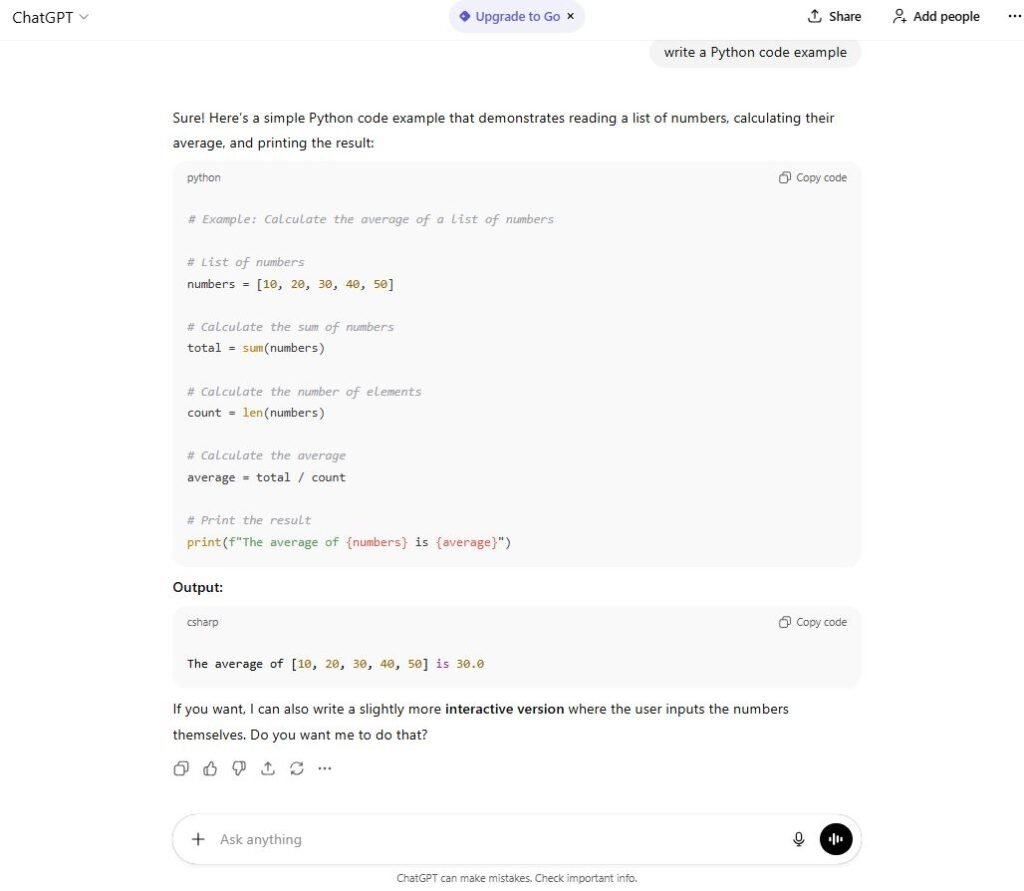
Uses of ChatGPT:
- Debugging and error explanations
- Writing code snippets
- Refactoring existing code
- Explaining unfamiliar codebases
Pros of ChatGPT:
- Very versatile across languages and frameworks
- Excellent for learning and documentation
- Strong logical reasoning
Cons of ChatGPT:
- Not embedded directly in IDEs by default
- Requires precise prompts
- May produce outdated solutions if not guided
Windsurf
Windsurf is a free AI code completion tool designed as an alternative to GitHub Copilot. It offers fast suggestions and supports a wide range of IDEs and languages.
Uses of Windsurf:
- Code autocompletion
- Generating functions
- Writing comments and docstrings
Pros of Windsurf:
- Completely free for individual developers
- Fast and lightweight
- Supports many IDEs
Cons of Windsurf:
- Less advanced suggestions than Copilot
- Smaller ecosystem
- Limited enterprise-level features
Tabnine
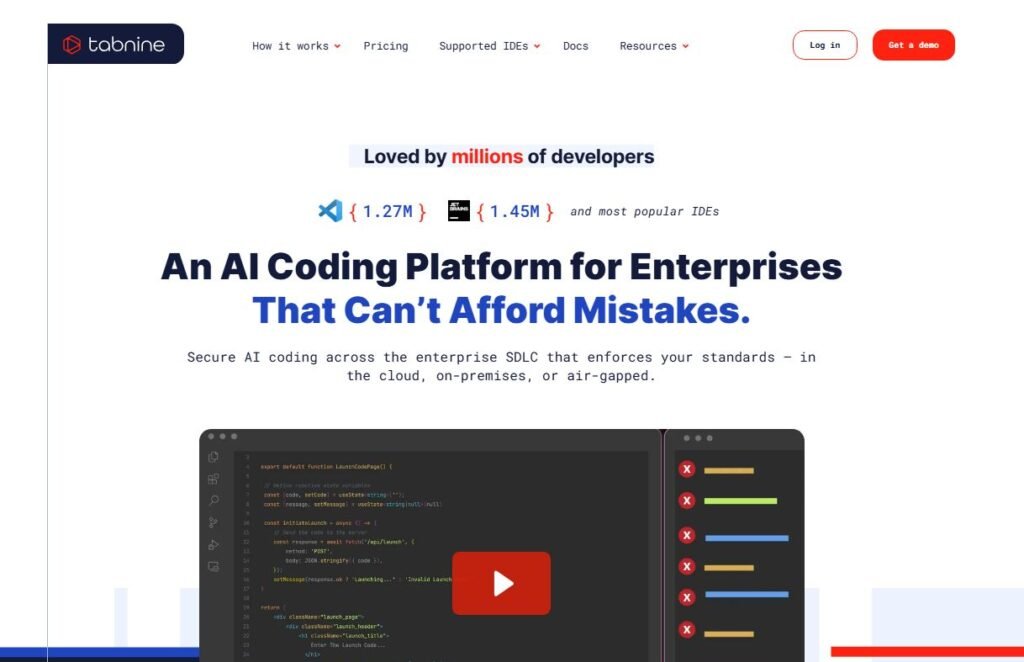
Tabnine is an AI-powered autocomplete tool that focuses on privacy and team-based development. It can be trained on private codebases for enterprise use.
Uses of Tabnine:
- Code prediction
- Team-wide development standards
- Secure enterprise coding
Pros of Tabnine:
- Strong privacy controls
- Works offline in premium plans
- Good for large teams
Cons of Tabnine:
- Free version is limited
- Less creative suggestions than competitors
Amazon Q Developer
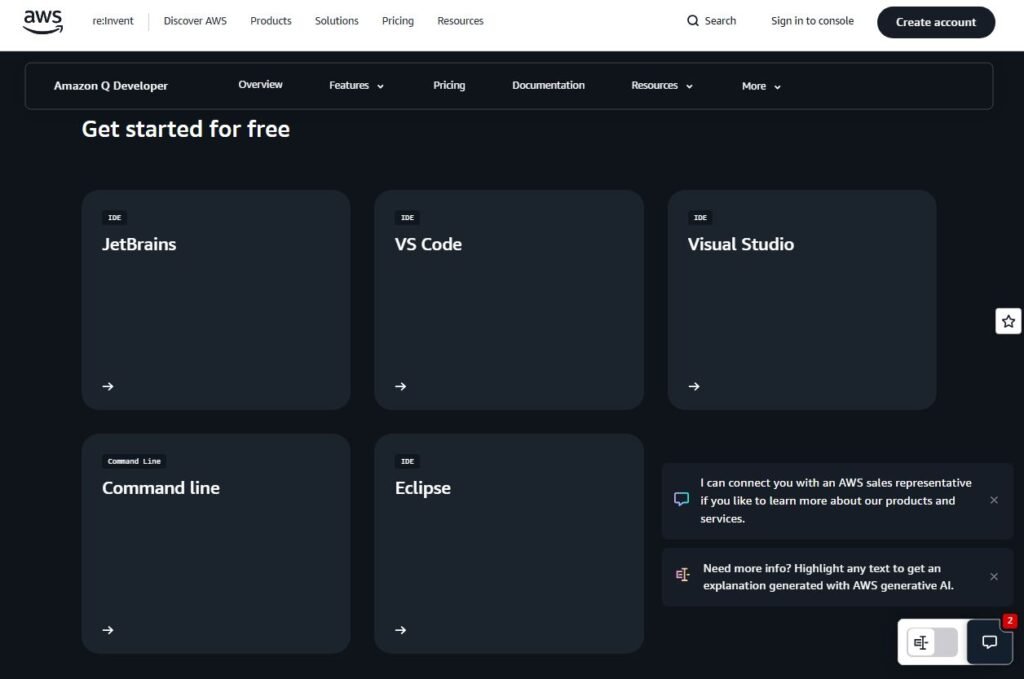
Amazon Q Developer is an AI coding assistant optimized for developers building cloud-based applications, especially within the AWS ecosystem.
Uses of Amazon Q Developer:
- Generate cloud-ready code
- Identify security vulnerabilities
- Improve cloud architecture efficiency
Pros of Amazon Q Developer:
- Native AWS integration
- Built-in security scanning
- Free tier available
Cons of Amazon Q Developer:
- Best suited for AWS users only
- Limited value outside cloud-based projects
Sourcegraph Cody
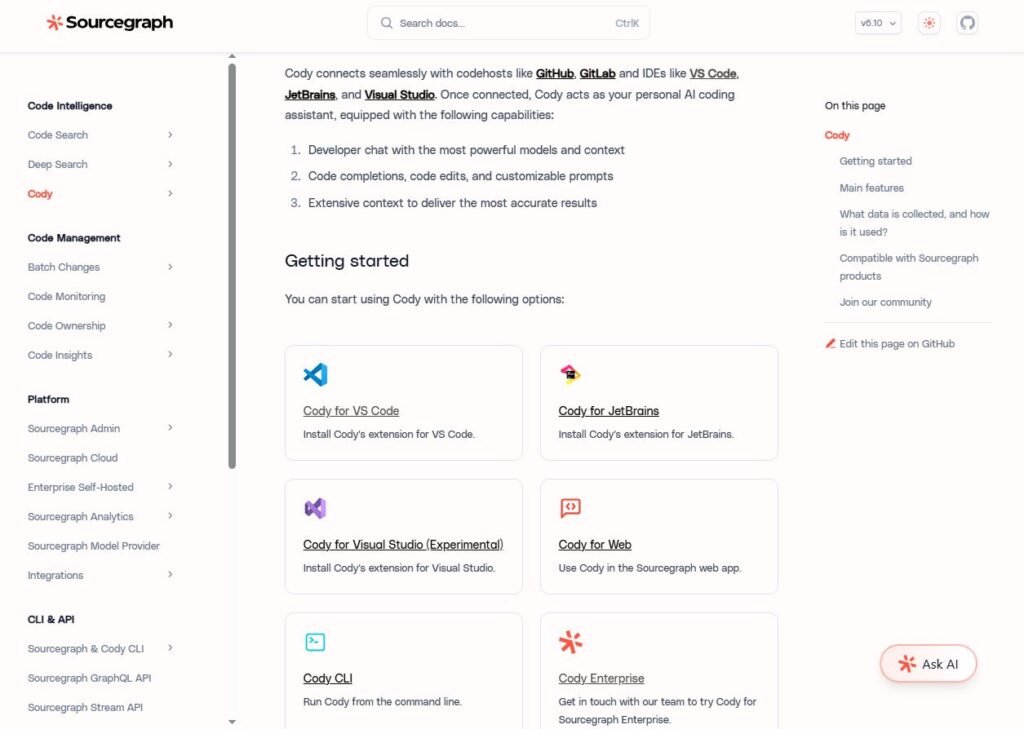
Cody is an AI coding assistant designed to understand large codebases. It’s particularly useful for enterprise teams working on complex software projects.
Uses of Sourcegraph Cody:
- Codebase navigation
- Explaining unfamiliar repositories
- Writing context-aware code
Pros of Sourcegraph Cody:
- Excellent for large projects
- Understands existing code deeply
- Strong enterprise focus
Cons of Sourcegraph Cody:
- Overkill for small projects
- Paid plans can be expensive
How AI Coding Tools Help Software Development Teams
AI coding tools:
- Reduce development costs
- Improve code quality
- Shorten delivery timelines
- Simplify onboarding for new developers
For outsourcing teams, AI tools help standardize workflows and maintain consistency across distributed engineers.
Which AI Coding Tool Should You Choose?
- Solo developers: Windsurf or ChatGPT
- Professional engineers: GitHub Copilot
- Enterprise teams: Tabnine or Sourcegraph Cody
- Cloud developers: Amazon Q Developer
Final Thoughts
AI coding tools are reshaping the way software is built in 2025. While no tool replaces real engineering skills, the right AI assistant can dramatically improve efficiency and reduce friction in daily development work.
If you’re working with remote or outsourced developers, choosing teams already experienced with these tools can make a measurable difference in code quality and delivery speed.