When working on codebases, catching bugs early and ensuring code quality is crucial. The best AI tools for code review and bug detection in 2025 help developers and teams automatically analyze code, spot bugs, security vulnerabilities, and quality issues — often faster than manual reviews.
Below you’ll find top AI-powered tools that many developers rely on to keep code clean, secure, and maintainable.
How We Selected These Tools
We picked tools based on:
- Their ability to detect bugs or security issues (static analysis, SAST, or semantic analysis)
- Real-world use in code review workflows (IDE integration, pull-request scanning, CI/CD)
- Support for multiple languages and frameworks
- Free or freemium tier availability (or at least widely used in open-source / small-team setups)
Snyk Code
Snyk Code is an AI-powered static application security testing (SAST) and code-analysis tool (evolved from DeepCode AI) that integrates directly into developer workflows. It scans code in real time (in IDEs or during pull requests), reveals potential vulnerabilities, code bugs, and quality issues — and even offers automated fix suggestions via its AI engine.
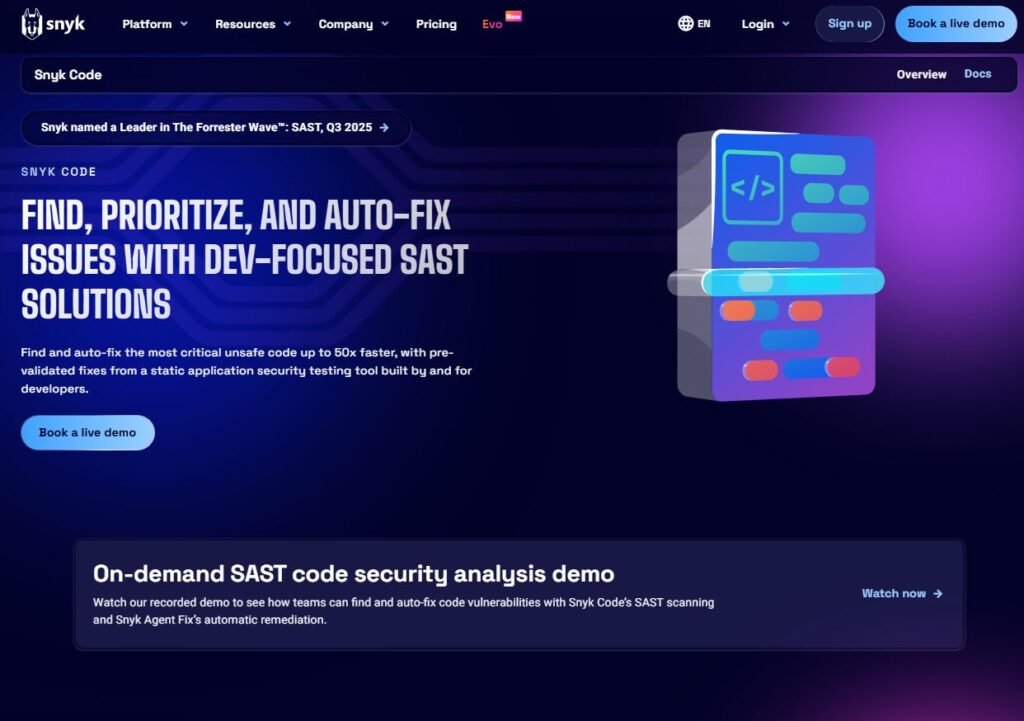
Uses of Snyk Code:
- Detecting security vulnerabilities (e.g. injections, unsafe patterns) and code-quality issues (dead code, null dereferences, unsafe API usage)
- Scanning code during development or on pull requests / CI to catch bugs before merge
- Suggesting fixes automatically or manually, helping enforce best coding practices early
Pros of Snyk Code:
- Real-time static analysis with AI — faster and often more accurate than traditional linters or manual reviews
- Integrates into IDEs, repositories, or CI/CD — fits existing workflows smoothly
- Supports many languages and frameworks — suitable for multi-tech stacks
- Offers free or freemium plans for individuals or small teams
Cons of Snyk Code:
- Some features (like auto-fix) may be limited or require paid plan for full capabilities
- As with any automated tool — it may occasionally flag false positives or require manual verification
Semgrep Code
Semgrep Code is a static analysis tool that uses pattern-matching rules (and can incorporate AI-enhanced rules) to scan codebases for bugs, vulnerabilities, and code-style issues. It supports a large number of programming languages and is widely used in open-source and enterprise projects for detecting code smells and security flaws before runtime.
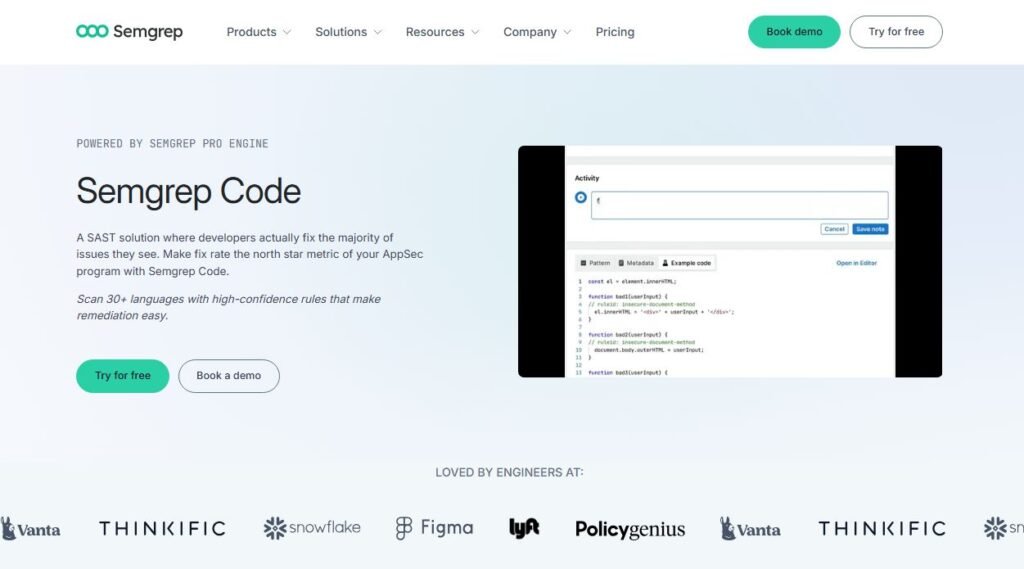
Uses of Semgrep Code:
- Scanning code for known bug patterns, anti-patterns, or security issues (like SQL injection risks, insecure API usage, code quality bugs)
- Enforcing code standards across a team
- Integrating with CI/CD to automatically run analysis on each commit or pull request
Pros of Semgrep Code:
- Supports over 40 programming languages — good for polyglot codebases
- Highly configurable and can be tailored to project-specific rules
- Reduces false positives (when tuned well) compared to some classic static analyzers
- Open-source / community-friendly; free to start
Cons of Semgrep Code:
- Requires some setup and rule configuration — may not be “plug-and-play” for beginners
- For deep semantic bugs (vs syntax patterns), capability might be limited compared to full SAST tools
GitHub CodeQL
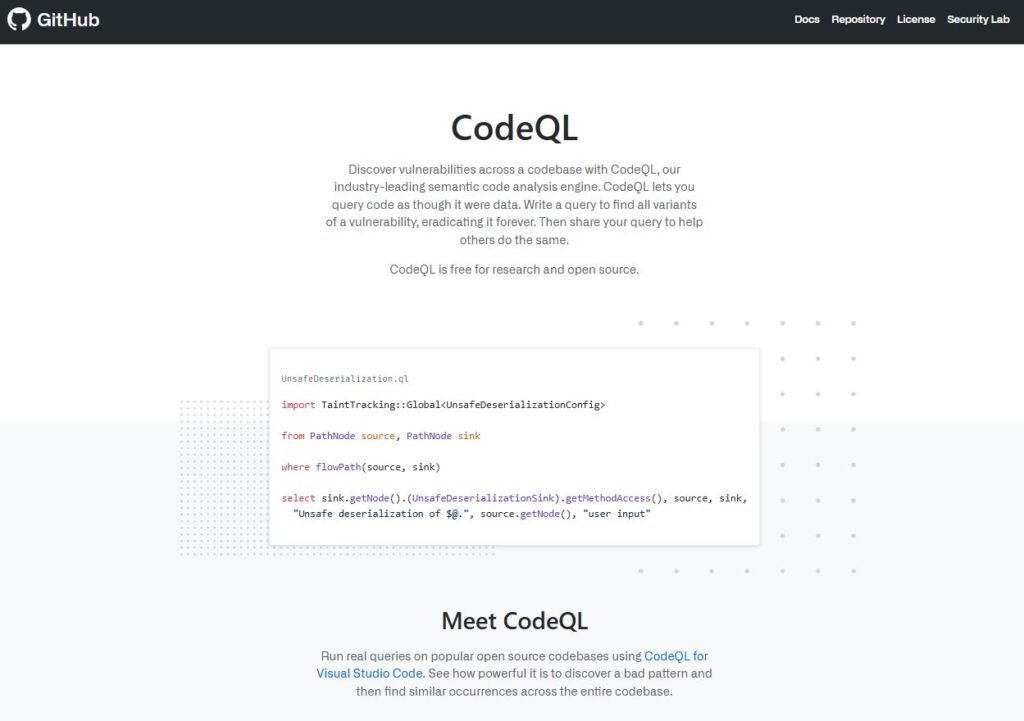
GitHub CodeQL is a semantic code-analysis engine that turns code into a database, then uses queries to find bugs, vulnerabilities, and complex code issues (like concurrency bugs, data-flow vulnerabilities, thread-safety issues, etc.). It’s widely used for both open-source and private repositories to detect deep logical vulnerabilities.
Uses of GitHub CodeQL:
- Automated scanning of repositories to detect security vulnerabilities, thread-safety bugs, race conditions, data-flow issues
- Integrating scans into CI/CD pipelines, enabling PR-level code analysis before merge
- Auditing legacy or large codebases for hidden issues
Pros of GitHub CodeQL:
- Very powerful static analysis — can catch subtle bugs that linters or syntax checkers miss (e.g. concurrency issues)
- Good for large or complex projects, especially enterprise-level or long-term maintenance projects
- Free for public/open-source repos (often used by open-source projects)
Cons of GitHub CodeQL:
- Setup and query writing can be complex — steeper learning curve compared to simpler tools
- Analysis can be slow on very large codebases
- May produce false positives if queries not fine-tuned
AWS CodeGuru Profiler (Reviewer & Detector — free tier / paid)
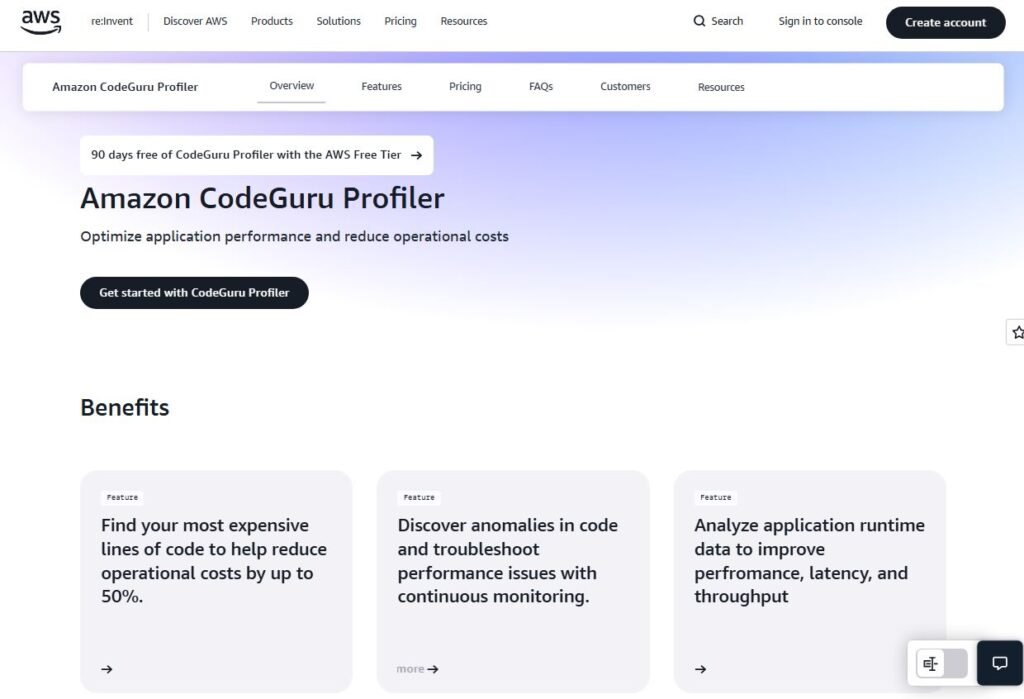
AWS CodeGuru Profiler is a cloud-based tool by Amazon that reviews code, spots potential bugs, security vulnerabilities, and gives recommendations for performance improvements. It’s useful particularly for projects hosted on AWS or using AWS services.
Uses of CodeGuru Profiler:
- Automated code review to highlight potential bugs, inefficient code, or resource misuses
- Performance recommendations and security insights (especially for cloud-based or AWS-centric projects)
- Continuous code scanning and reporting as part of CI/CD pipeline
Pros of CodeGuru Profiler:
- Integrates well with AWS ecosystem — good for cloud-native projects
- Provides insights not only on bugs but also on performance and security
- Can help enforce good coding and cloud-security practices automatically
Cons of CodeGuru Profiler:
- Best suited for AWS-based or cloud-native applications — less useful for purely on-premise or non-AWS projects
- Paid for full features; free or limited tier may not catch all issues
Quick Comparison Table
| Tool | Strength | Best For |
|---|---|---|
| Snyk Code | AI-powered SAST + fix suggestions | Security-focused codebases, multi-language projects |
| Semgrep | Flexible pattern-based static analysis | Small to medium projects, custom rules, open-source |
| GitHub CodeQL | Deep semantic analysis, vulnerability detection | Large or legacy codebases, enterprise apps |
| AWS CodeGuru | Code review + AWS-specific security & performance advice | Cloud-native / AWS projects |
Why AI Tools for Code Review & Bug Detection Matter (2025 + Onwards)
With growing code complexity, distributed teams, and fast-paced delivery cycles — relying on manual reviews alone is risky. AI Tools for Code Review & Bug Detection help:
- Catch bugs & security issues early — even before runtime
- Maintain quality and consistency across codebases
- Reduce time and effort for manual code reviews
- Enforce best practices — especially when many developers or external/outsourced teams are involved
Which Tool Should You Try First?
- For broad security + bug detection & auto-fix → Snyk Code
- For flexible linting and quality checks → Semgrep or Codacy
- For deep static analysis and complex codebases → GitHub CodeQL
- For AWS / cloud-native apps → AWS CodeGuru Profiler