AI Tools for Frontend Developers are transforming how developers build user interfaces, write clean code, and ship features faster. Instead of manually handling repetitive UI work, these tools help frontend developers generate components, convert designs into code, and improve productivity across modern web projects.
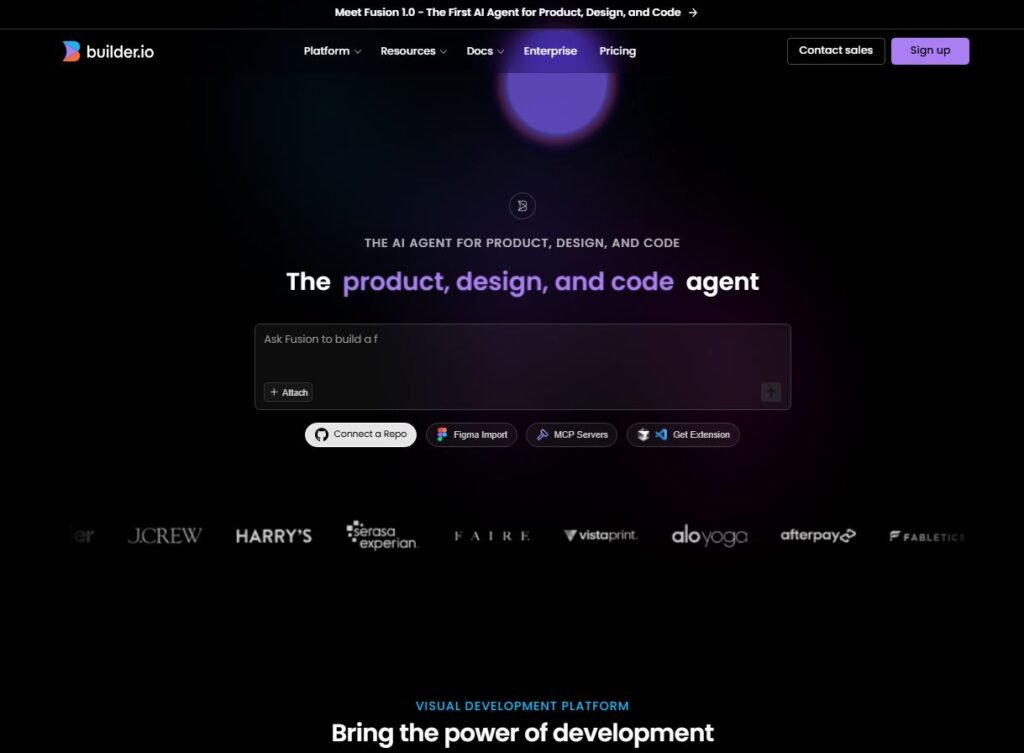
Builder.io
Builder.io helps frontend developers generate UI components and layouts directly from prompts or designs. It focuses on visual development and headless CMS workflows.
Uses of Builder.io:
- Generating frontend UI components
- Speeding up visual development
- Integrating AI-generated layouts with React or Vue
Pros of Builder.io:
- Strong focus on frontend UI
- Works well with modern frameworks
- Saves time on layout creation
Cons of Builder.io:
- Limited customization in free usage
- Best results require integration knowledge
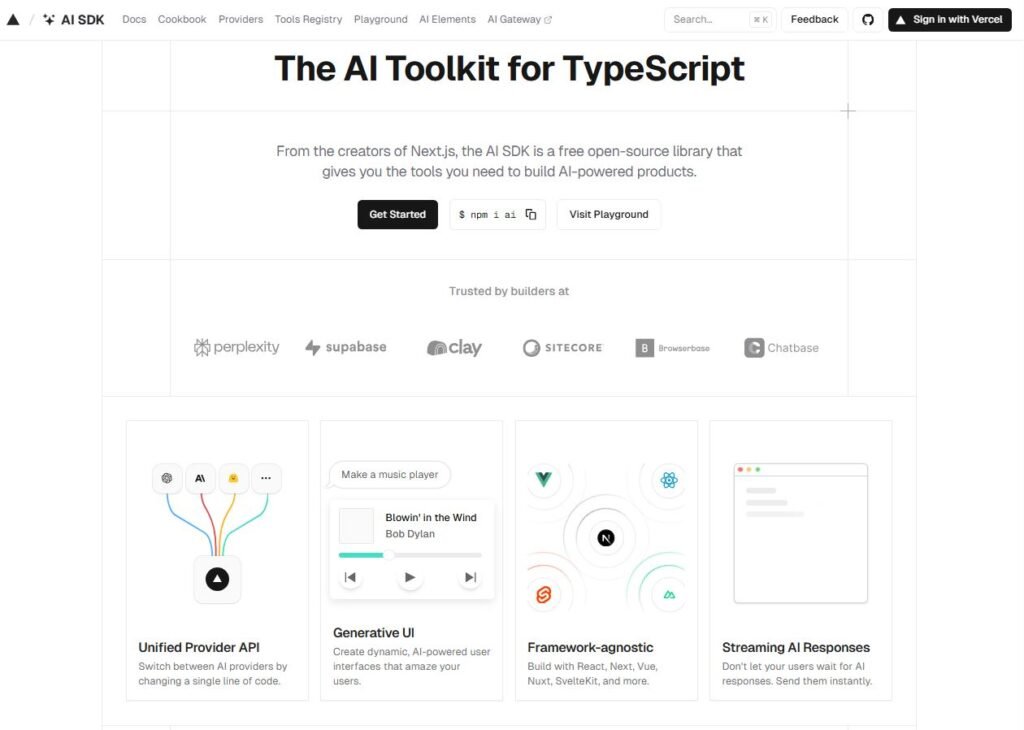
Vercel AI SDK
Vercel AI SDK enables frontend developers to easily integrate AI features into web apps. It’s ideal for building AI-powered user interfaces using modern frontend stacks.
Uses of Vercel AI SDK:
- Building AI-driven frontend features
- Enhancing UI with intelligent interactions
- Integrating AI into Next.js apps
Pros of Vercel AI SDK:
- Perfect for modern frontend frameworks
- Clean developer experience
- Scales well with production apps
Cons of Vercel AI SDK:
- Requires frontend + API knowledge
- Not beginner plug-and-play
Uizard
Uizard converts wireframes and product ideas into UI designs automatically. Frontend developers can use it to speed up the design-to-development workflow.

Uses of Uizard:
- Creating UI prototypes
- Translating ideas into visual layouts
- Helping frontend developers align with designers
Pros of Uizard:
- Excellent for early-stage UI creation
- Reduces design bottlenecks
- Simple learning curve
Cons of Uizard:
- Generated designs need refinement
- Not a full frontend code generator
AI Colors
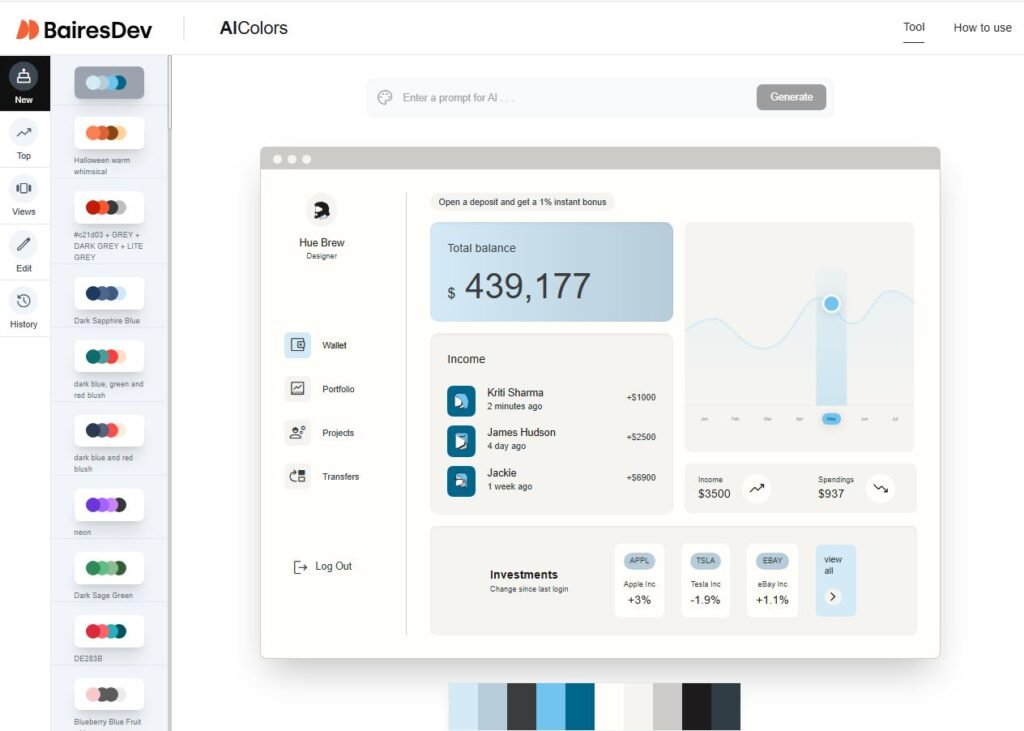
AI Colors helps frontend developers generate color palettes optimized for accessibility, branding, and UI consistency.
Uses of AI Colors:
Creating design-friendly color palettes
Improving UI accessibility
Speeding up UI theming
Pros of AI Colors:
Simple and focused tool
Improves frontend visual quality
Beginner-friendly
Cons of AI Colors:
Limited to colors only
No direct code suggestions
Why These AI Tools Matter for Frontend Developers
Frontend development is no longer just about writing HTML and CSS. These AI tools help developers:
- Reduce design-to-code time
- Generate UI components faster
- Focus on logic and performance
- Improve collaboration with designers
Final Thoughts
The Best AI Tools for Frontend Developers (2025) are not meant to replace frontend skills—but to amplify them. When used correctly, these tools allow developers to ship cleaner interfaces faster while keeping full control over code quality and performance.